
Managing Multiple Units: Team, Cleaning and Reports Without Chaos
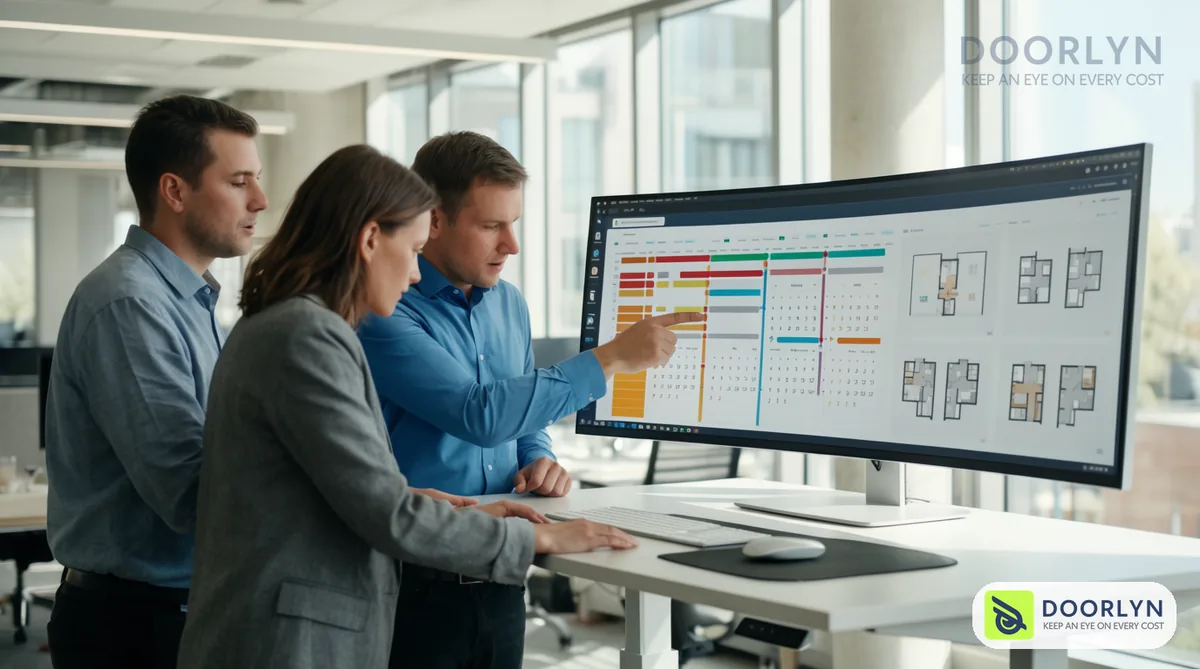
One unit can be run with a phone and a simple sheet. By the third or fifth unit the game changes: overlapping bookings, clashing cleaning times and many questions about what happened and where. Here is how to move to several units with a system that can bear growth.
1. Stabilize the process on one unit first
Do not add units before the first one runs smoothly: an accurate calendar, regular cleaning and good reviews. And review owners' mistakes so you avoid them before they multiply.
2. Gather every unit into one calendar
You need to see all units on one screen: who arrives today, who leaves and which unit is empty. Without it you face double bookings and wasted time.
3. Organize cleaning and preparation
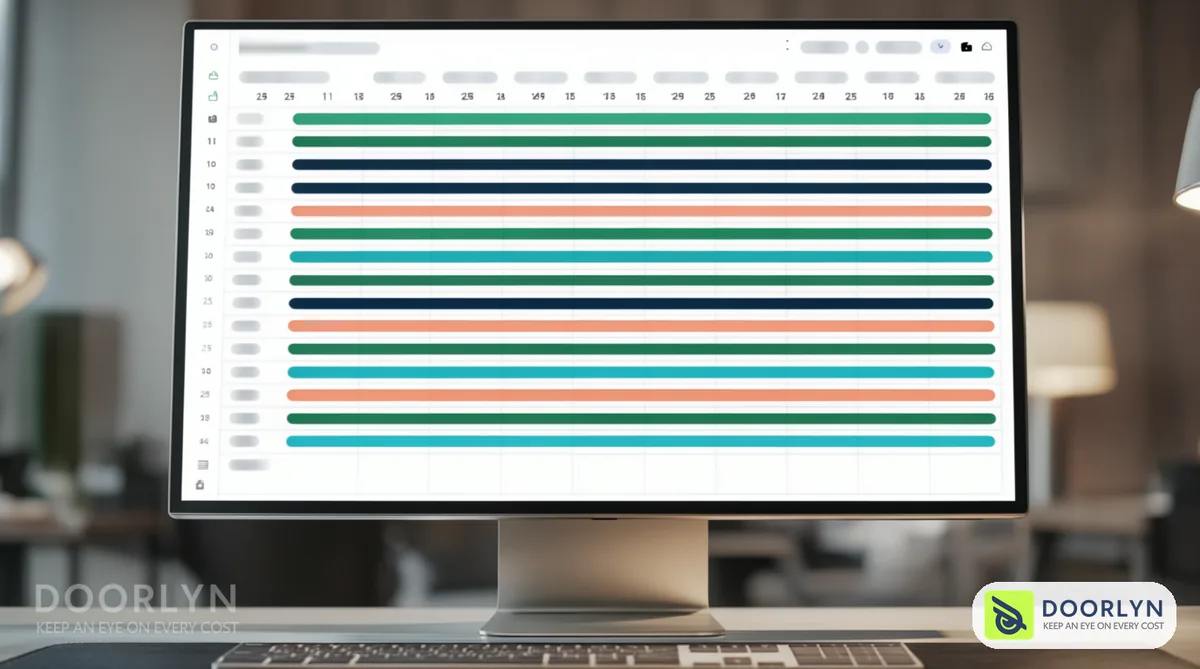
- A schedule tied to bookings: every checkout has a clear cleaning slot.
- A fixed checklist: guarantees one standard across all units.
- Supplies stock: know what is running low before it runs out.
- Photos for documentation after cleaning.
4. Assign roles and permissions
Decide who answers guests, who cleans, who repairs and who reviews the accounts. Give each person only the permissions they need, so the cleaning team does not see profit data, for example.
5. Unify prices and reports
Compare unit performance by occupancy and net profit, not revenue alone. A unit that is busy at a low price may earn less than another. See calculating net profit and seasonal pricing.
6. Choose a system that grows with you
Ask yourself: can the system take more units? Does it have team members and permissions? Are the reports clear? For details: questions before choosing a PMS.

How Doorlyn helps
Doorlyn gathers your units, their bookings, expenses and net profit in one place and connects them to Airbnb, Booking.com, Vrbo and Expedia, so you manage growth without the chaos multiplying. You can try it free and then add your units one by one.
Frequently asked questions
When should I bring in a management company?
When the workload exceeds your time and capacity, and you accept paying a percentage for the convenience.
How do I keep equal quality across units?
With fixed checklists, unified preparation standards and regular review of ratings.
Do I need a system if I have only two units?
Probably yes if they are on more than one platform, because the complexity multiplies quickly.