How to Prevent Double Bookings Across Airbnb, Booking.com and Vrbo
A double booking means two guests have reserved the same unit for the same dates because one platform never learned about the booking on the other. It is the most damaging problem for anyone listing on more than one platform: an apology to a guest, usually a cancellation on your side, a bad review and sometimes a penalty from the platform. The good news is that it can be prevented almost entirely with a few clear steps.
Why do double bookings happen?
Each platform keeps its own calendar and knows nothing about the others unless the information is passed along. The usual causes are:
- Manual updates: you forget to block the dates on the other platforms after a new booking arrives.
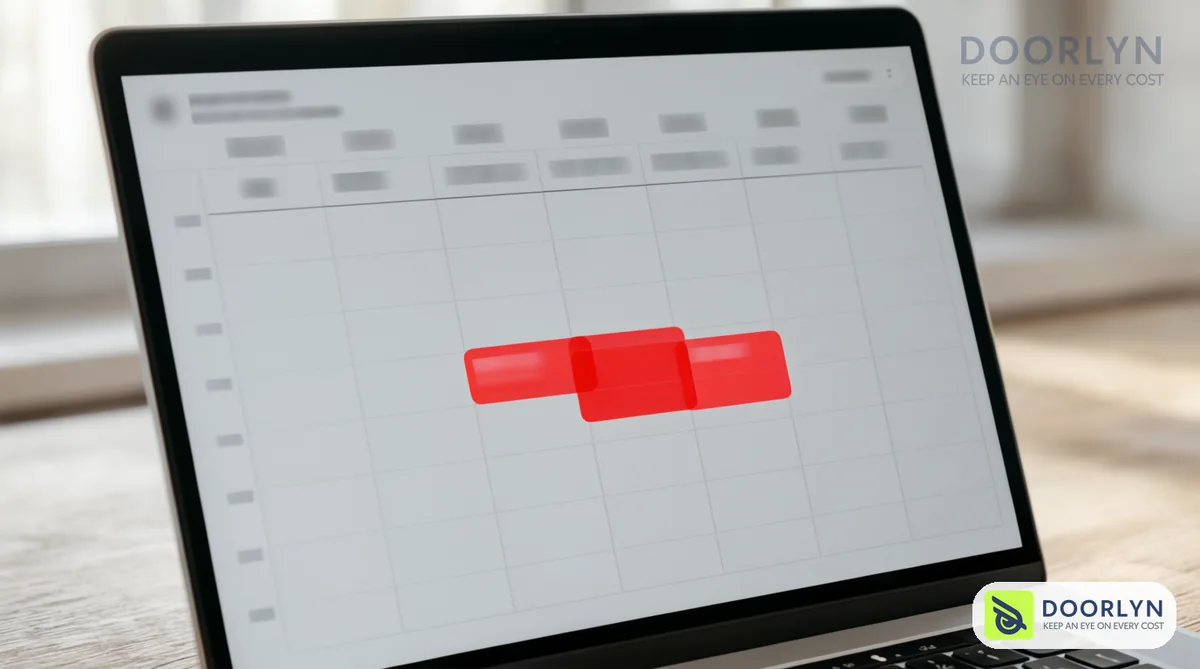
- Calendar sync delay: iCal links do not update instantly, and hours can pass between a booking and the moment it shows on another platform. A second booking can arrive in that window.
- Bookings made off-platform: a friend or direct client who was never recorded anywhere.
- A broken connection: a link expired or failed and nobody noticed.
Practical steps to prevent double bookings
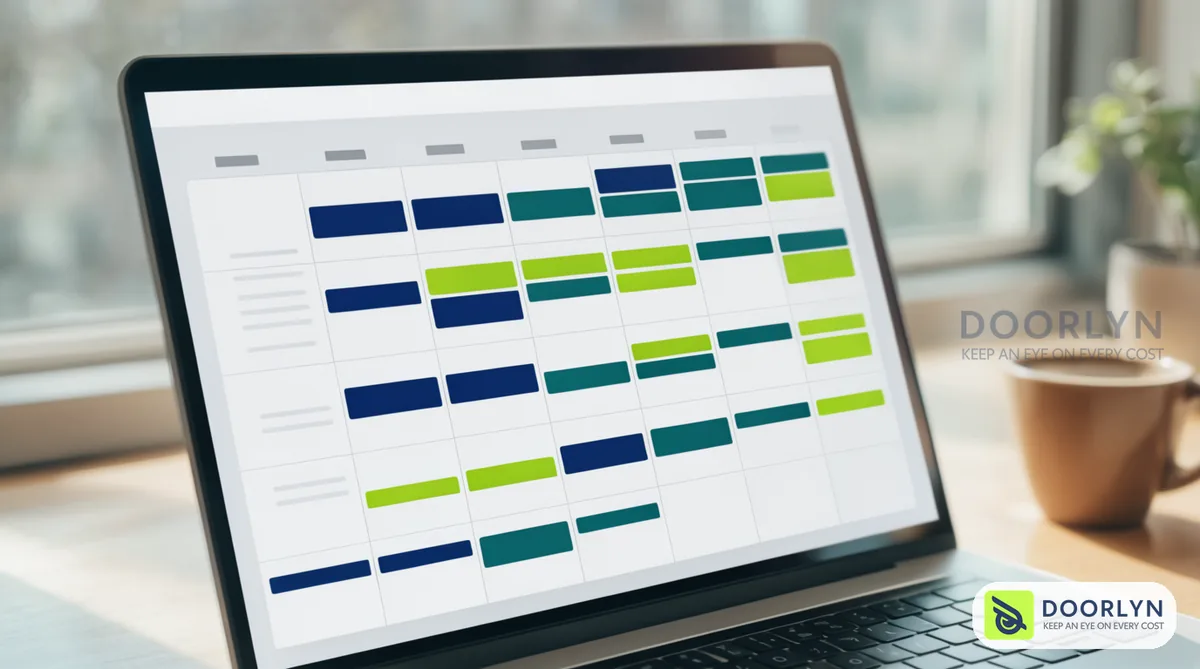
- Keep one master calendar: make it the single source of truth and avoid editing dates directly inside each platform.
- Prefer a direct connection to iCal when possible: a direct connection passes changes within minutes, while iCal may lag by hours. See also: iCal vs direct connection.
- Record every booking in one place: including direct and family stays, and block the dates immediately.
- Leave a turnover gap between bookings: a buffer for cleaning reduces same-day pressure.
- Check connection status weekly: make sure each platform works and the last update is recent.
- Choose a system that alerts you to failures: an alert about a broken connection beats finding out after a double booking. To learn more, read what a PMS is.
What to do if a double booking happens
- Act fast: contact the guest who booked later as soon as you spot the conflict.
- Offer an alternative: another unit of yours, or help finding nearby accommodation of similar quality.
- Cancel through the platform: use the platform's own cancellation flow and read its policy first, since some platforms charge hosts a fee or affect listing ranking.
- Fix the cause: find out why the calendar was not updated so it does not repeat.
How Doorlyn helps
Doorlyn connects your units with Airbnb, Booking.com, Vrbo and Expedia, so availability moves between platforms automatically and every booking reaches one place. Each platform's connection status is shown clearly, so you know early if a connection needs attention. You can try it free.
Frequently asked questions
Is iCal sync enough to prevent double bookings?
Sometimes, for one unit on two platforms, but it lags and does not guarantee full protection. The more bookings you get, the more a direct connection matters.
Can a double booking happen even with a PMS?
It is unlikely because updates are automatic, but it can happen if a connection breaks or a booking is made outside the system. Record everything inside the system and check connection status.
Am I responsible to the platform for a double booking?
Usually yes, platforms treat the host as responsible for the availability of their unit. Read each platform's policy before you face the problem.