How to Manage Multiple Airbnb Accounts in One Place
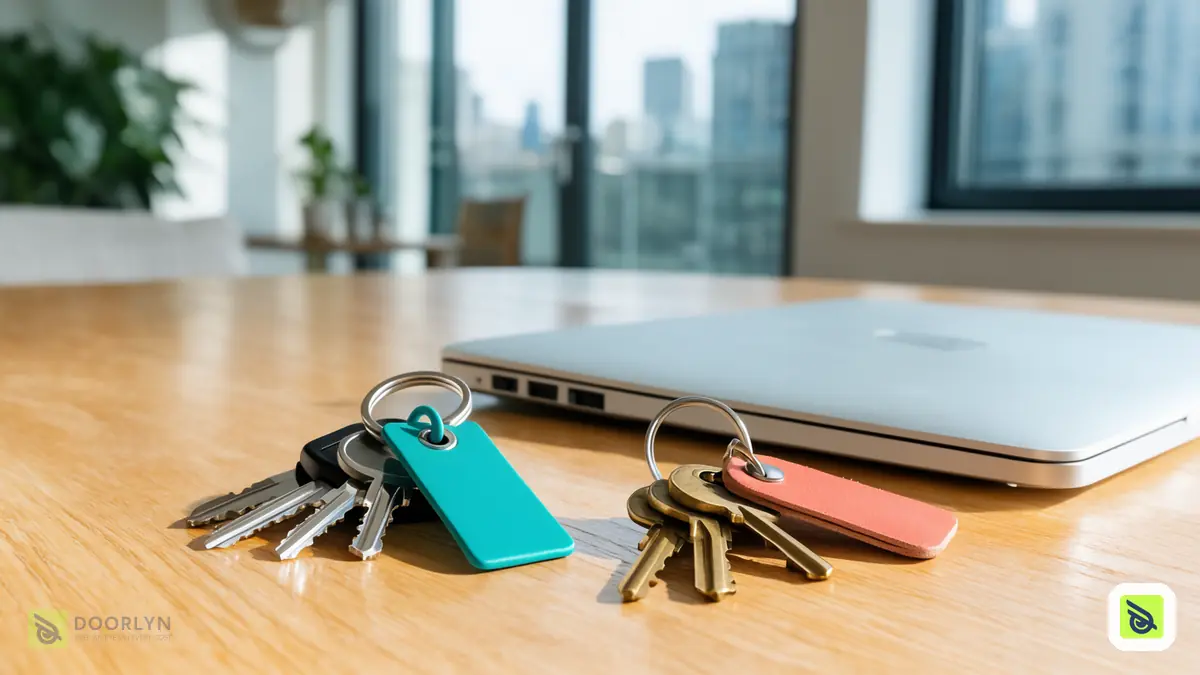
To manage multiple Airbnb accounts in one place, connect each account separately, label it clearly, and attach every unit to the account its listing really belongs to. Mixing accounts is the main risk: connecting a unit to the wrong one can disconnect units that already work.
Why people end up with more than one account
Some owners keep a personal account and a company account. Others manage units for family or partners, or inherited an account when they bought a unit. Each account has its own listings, and each is authorised separately.
The rule
One Airbnb account should be connected as one account. A unit belongs to the account that owns its listing. If you authorise the wrong account for a unit, the connection of units on another account can be replaced and stop syncing.
Step by step
- List your accounts and their listings before you connect anything.
- Name each account with a label you will recognise, such as "Personal" or "Company".
- When connecting a unit, choose the account it belongs to, or add a different account if it is new.
- Sign in to the same account that you chose. Signing in with another one is the mistake to avoid.
- Check the unit shows the right account after connecting, and that other units stay active.
A simple way to keep accounts straight
| Account label | Who owns it | Units on it | Check after connecting |
|---|---|---|---|
| Personal | You | Your own units | Account name on each unit's platform card |
| Company | Your company | Units under the company | Other units still active |
Fill one row per account before you connect anything, and keep it updated when you add a unit.
Mistakes to avoid
- Assuming one owner means one Airbnb account.
- Authorising a different account than the one you chose.
- Connecting several units in a row without checking the others.
How Doorlyn helps
Doorlyn asks which Airbnb account a unit belongs to, lets you add a different account with an optional name, and shows the account name on the unit's platform card. See also managing several units with a team and connecting platforms.
Frequently asked questions
Can I connect units from two Airbnb accounts?
Yes, by connecting each account separately and choosing the right account for each unit.
What happens if I sign in to the wrong account?
Units on another account can be affected. Check each unit after connecting and reconnect if needed.