One Inbox for Airbnb, Booking and Expedia Guest Messages
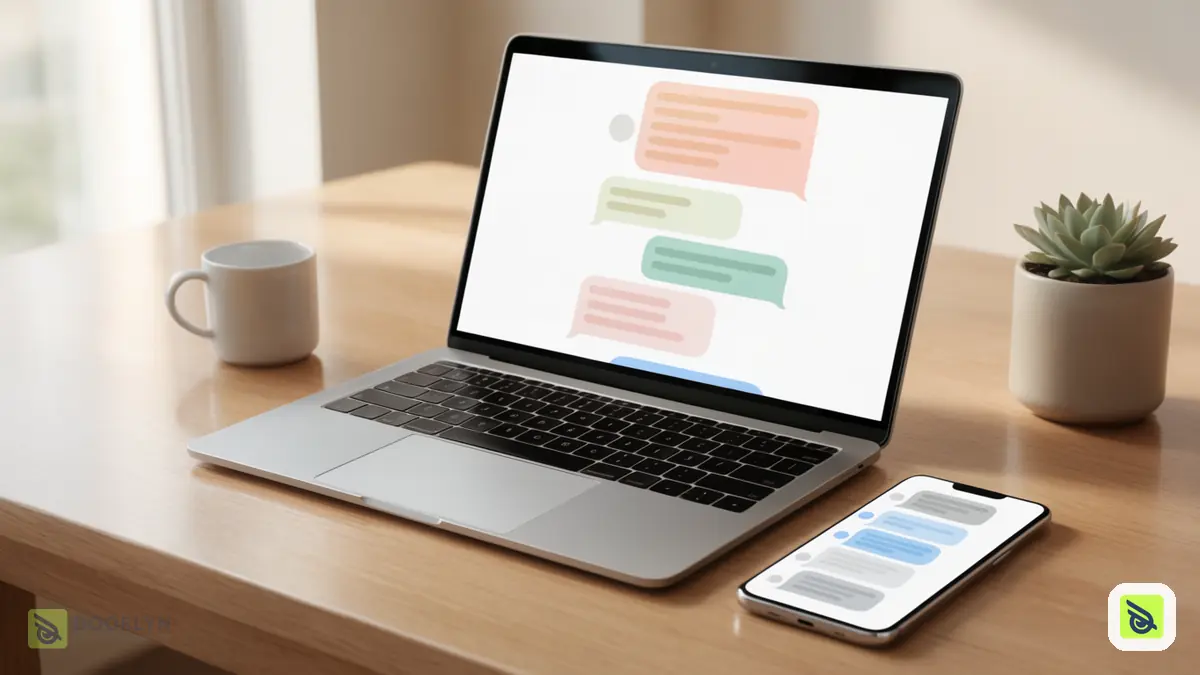
A unified inbox puts guest messages from Airbnb, Booking.com and Expedia in one list, so you reply from one place instead of opening each platform. Its real value is not convenience but that no message waits unseen in an app you forgot to open.
The problem with many inboxes
Each platform has its own app, its own notifications and its own habits. A guest who writes at night on one platform and a guest who writes in the morning on another are easy to mix up or miss. A slow or missed reply is easy to avoid with a better routine, and guests notice it.
What a good shared inbox should do
| Need | Why it matters |
|---|---|
| All platforms in one list | One place to check |
| Clear unread and needs-reply filters | You see what is waiting |
| Reply from the same screen | No switching apps |
| Attach photos or a PDF | Send directions or house details |
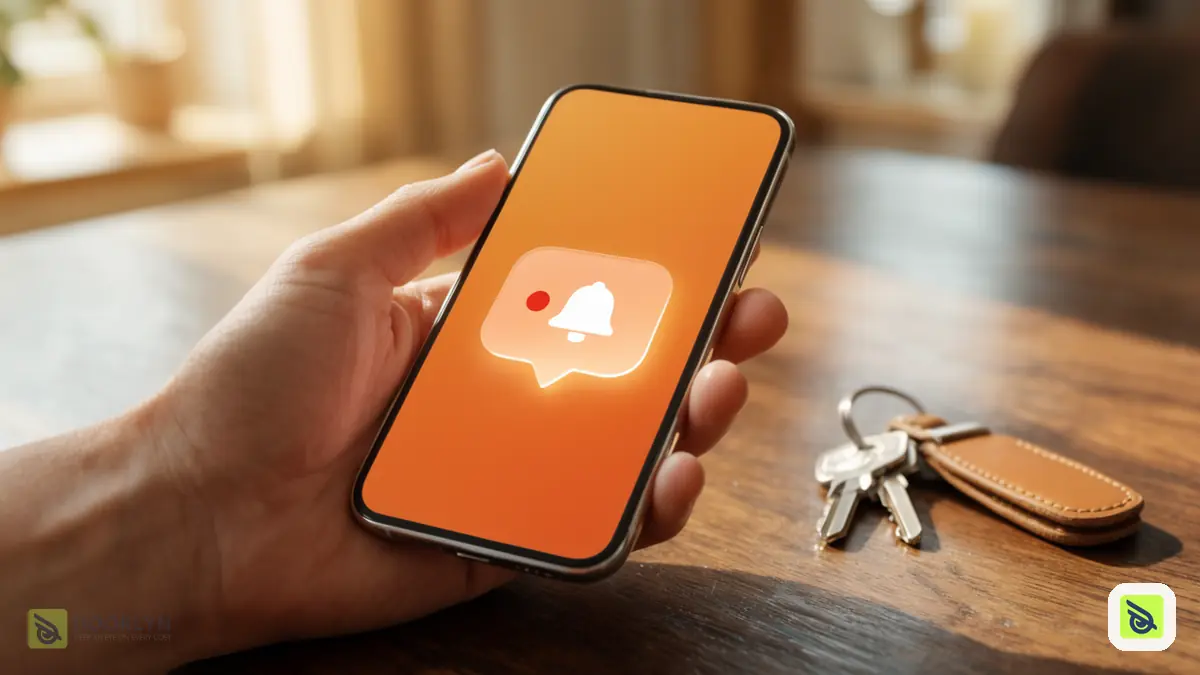
| Alert on a new message | You do not have to keep checking |
How to run it day to day
- Check the unread filter first, then the needs-reply filter, so urgent guests come before routine ones.
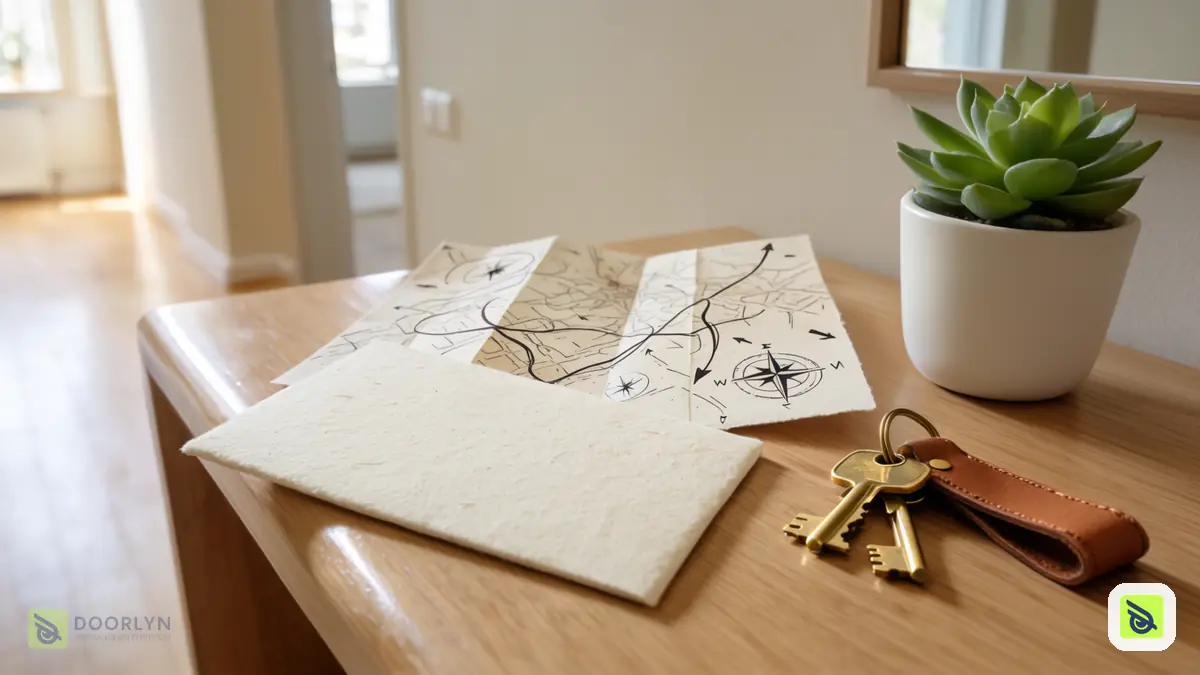
- Reply in the same screen, and attach a photo or PDF when words are not enough, such as a map to the entrance.
- Set the notification so a new message reaches you, rather than checking on a schedule.
- Keep replies short and specific: answer the question asked, then add the one detail guests usually need next.
- Review once a day, to be sure nothing is waiting.
Mistakes to avoid
- Checking each app only when you remember.
- Replying late at night from a personal chat app, which leaves the conversation off the platform record.
- Long replies that bury the answer.
- Not telling cleaners or co-hosts about changes a guest asked for.
How Doorlyn helps
Doorlyn shows guest conversations from Airbnb, Booking.com and Expedia in one place. You can reply from Doorlyn, attach photos or PDFs, filter for unread messages and those that need a reply, and get a notification when a new message arrives. Vrbo conversations are not included. Messages sit next to your bookings and units, so you know which stay a guest is talking about. See also preventing double bookings and what a PMS is.
Frequently asked questions
Can I answer guests from every platform in one place?
With Doorlyn you can for Airbnb, Booking.com and Expedia. Vrbo messages are not part of it, so you still answer those on Vrbo.
Will a unified inbox make me reply faster?
It removes the delay of not knowing a message arrived. Faster replies still depend on your habit of checking the unread list.
Can I send photos or documents?
Yes. You can attach images or a PDF to a reply.
Do I still need the platform apps?
Mostly for platform settings. Day-to-day messaging can happen in one place.